A Telegram assistant for food, money and plans
Snap your plate and the bot counts calories and macros from the photo and logs them in your food diary, free, right in Telegram. No photo? Send a voice note or type it. It also tracks spending and your budget, water and weight, and reminds you about tasks and bills.
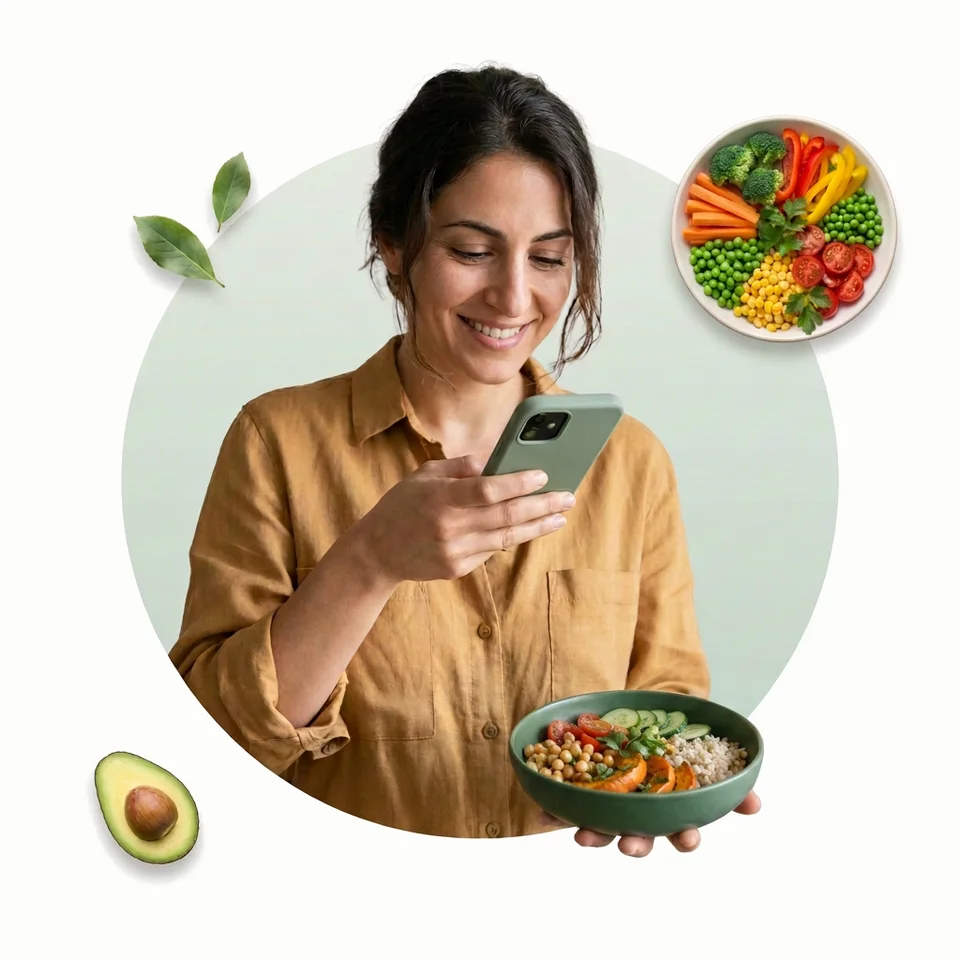
What the bot can do
Food, money and plans in one chat. Below are sample entries.
Today's target
1,240
of 2,100 kcal
12 €
“taxi 12”
The Transport category is set automatically
By voice
“borscht with sour cream and a slice of rye bread”
Reminders
Today
- 09:00pill
- 13:00water
- 21:00pill
Coming up
- 25thinternet
- Monweigh-in
- 1strent
Snap your plate
the bot counts calories and macros
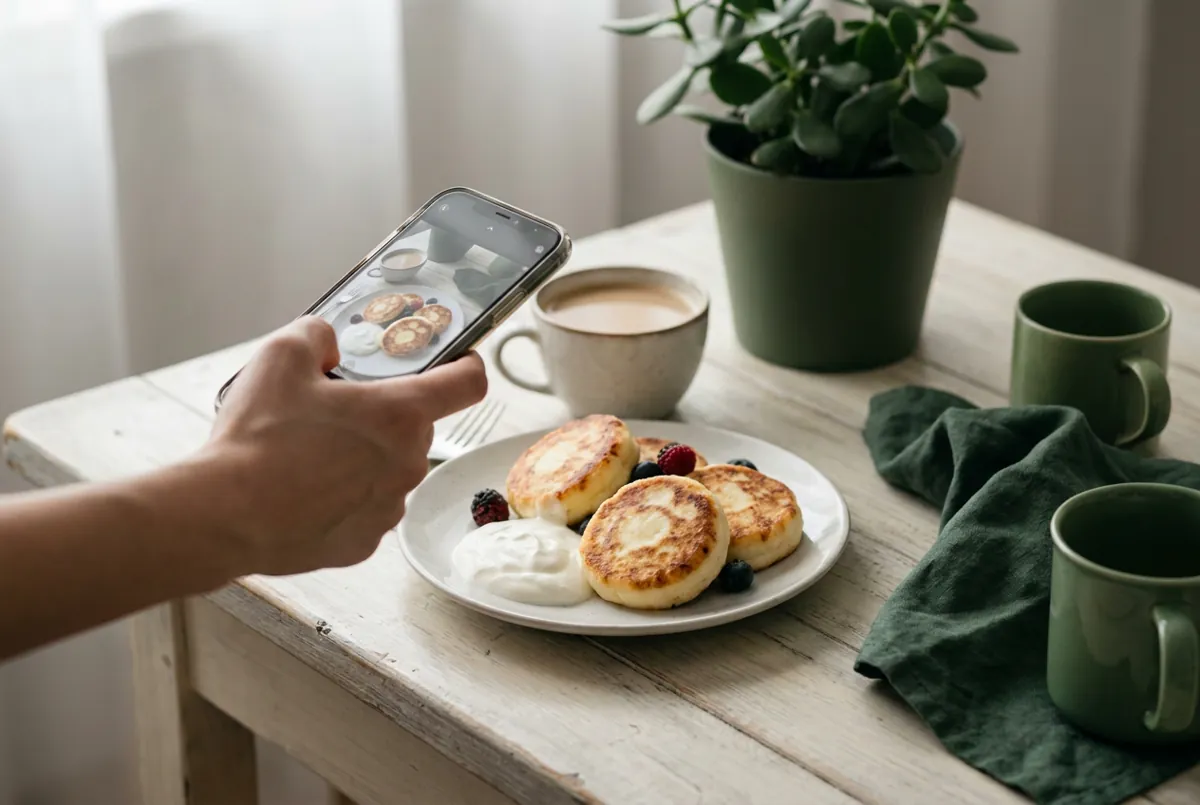

Pancakes with sour cream · 340 kcal

Mini app
Your day, money and calendar on screens
Any currency
Accounts, transfers, debts and savings

How the bot counts calories from a photo
Send a photo of your plate to the bot. A caption is optional; the rest happens on its own:
- The bot picks out every dish and food in the shot and estimates the grams from the size of the plate or bowl. Countable things get counted: "5 dumplings", not just "dumplings".
- Calories and macros for each food are checked against the USDA FoodData Central database rather than made up.
- It replies with calories, protein, fat and carbs for each dish and what's left of your daily target. The entry goes straight into your diary.
- The caption counts: if it has a weight or an amount — "300 g", "half a portion" — the bot uses exactly that.

How to shoot it so the count is closer
A photo gives an estimate, not a weighing: it can't show how much oil went into the pan or how rich the sauce was. The easiest way to help is a few words in the caption:
- Add the weight if you know it: "rice 200 g, chicken 150 g". Nothing helps more.
- No weight? Give a count: "3 pancakes", "half a portion", "2 slices of pizza".
- Name what you can't see: oil, sauce, sugar, filling.
- Shoot before you eat and from above, with the whole plate in frame. A fork or spoon next to it helps with scale.
- If a number looks off, tap Fix under the entry or just say it, like "not 300, it was 200 g of rice".

Photo, voice or text: which to use
The bot understands all three, and you can mix them through the day. Roughly:
- Photo — when the dish is complicated and slow to describe: a salad, a restaurant plate, a home-cooked dinner.
- Voice — on the go, when the plate is long gone: "had 350 grams of lamb soup and an apple for lunch".
- Text — when you know what and how much you ate: "oatmeal 250 and a coffee". With grams, it beats a photo without a caption.
- A kitchen scale — at home, when you want the closest number: type the weight and the bot counts from your grams.
It all lands in one food diary
Entries from every method go into the same diary: calories, macros, fiber and water for the day, week and month. Totals come from /stats, /week and /month and from the mini app inside Telegram. So you have something to compare against, the bot works out your calorie target for your goal when you start.
How it works.
Open the bot
Tap the button and a CalCash chat opens in Telegram. Answer a couple of questions and you're set. Nothing to install.
Type, snap or speak
A photo of your plate, “taxi 12” or “remind me to pay the internet on Friday” — the bot works out whether it's food, spending or a task.
See your totals
Daily, weekly and monthly totals — in the chat and in the mini app. Once a week the bot sends you a summary.
Why this beats regular apps
- A photo, a voice note or a few words — and it's logged
- Everything in one chat: food, water, weight, spending, budget, debts, savings, reminders
- Runs inside Telegram — nothing to install
- Free: no subscriptions and no cap on entries
- Got it wrong? Fix it with a button or a plain phrase
- The message log is stored encrypted
- Search the database for every food and set the weight by hand
- A separate app for every job, none of them talking to each other
- Download, sign up, make yet another password
- The useful parts are often behind a subscription
- Editing an entry means search and forms again
- Logging is slow, so the diary gets dropped in a week
Straight talk: calories from a photo are an estimate, not a scale — add the grams when you need precision. How far off AI photo estimates get, and where: how accurate AI calorie counting is. About your data: data security. More on the other two parts of the bot: reminders and expense tracking, and the whole thing on the CalCash home page.
Frequently asked
How many food photos can I send a day?
As many as you need: there's no daily cap, and the bot is free with no subscriptions. The only limit is spam protection — no more than 30 messages a minute and 200 an hour.
How does the bot count calories from a photo?
You send a photo of your plate, the bot recognizes the dishes, estimates the grams and sends back calories and macros along with what's left for the day. Food values are checked against the USDA FoodData Central database.
How accurate is counting from a photo?
It's an estimate, not a scale: a photo doesn't show how much oil went into the pan or how rich the sauce was. For tighter numbers, add the weight in the caption or the message, like "chicken curry 350 g", and the bot counts from that.
What if there are several dishes on the plate?
The bot breaks down everything it can see and shows calories and macros for each dish plus the total for the meal. Countable foods are counted piece by piece. If something is hard to make out in the shot, add it to the caption.
Can I ask about food in a photo without logging it?
Yes. Add a caption like "don't log this, just tell me the calories" or "which one should I buy?" and the bot answers without adding anything to your diary. Ask "how much protein is in this?" under a photo of your own plate, and it logs the meal and answers the question.
Can I count calories by voice?
Yes. Record a voice note — "two pancakes with sour cream and a coffee with milk" — and the bot transcribes it, splits it into foods and logs it. This is the easiest way when you're out and the plate is long gone.
Can I just type what I ate?
Yes, in plain words: "chicken curry 350 g", "oatmeal 250 and a coffee". The bot understands it and breaks a complex dish into ingredients itself.
Can I fix it if the bot gets something wrong?
Yes. There's a Fix button under the entry: say what's wrong in normal words and the bot recalculates the meal. A meal you just logged can be cancelled outright.
Does it work with food from my country?
Yes. The bot understands dishes named in plain words and breaks complex dishes into ingredients, so home cooking works as well as restaurant food.
Can I use it as a calorie tracker in Telegram?
That's what it's built for. Entries pile up into a food diary inside Telegram: calories, macros, fiber and water for the day, week and month. Totals come from /stats, /week and /month, or from the mini app inside the messenger.
Does the bot work on a computer, iPhone and Android?
Yes, it works anywhere Telegram does: the phone app, the desktop app and Telegram's web version. Photos are easiest to send from your phone, and you can check totals anywhere — the entries are shared.
Do I need to register?
No. The bot works through your Telegram account: tap Start, tell it a bit about yourself, and you can send your first photo. How your data is stored is explained on the Data Security page.
Does the bot keep my photos and voice notes?
Yes. Photos and voice messages are saved in private storage without separate encryption, and the service administrator can see them in the chat log. You can have the files deleted through support at [email protected].
Does it really track finance too?
Yes. Say "spent $15 on groceries" — the bot logs the expense by category and counts it toward your budget, and if you ask, say “remind me to pay the internet on the 25th”, it reminds you about the payment on that day. Track just food, just money or both: you choose at the start and in settings under Modules.
Try the bot right now
Free, inside Telegram, no app to install.