An AI calorie counter gives you an estimate, not an exact number. In a 2025 study, the best general-purpose AI models were off by about 36% on average when estimating calories from food photos, and they mostly guessed low, especially on big portions. Accuracy goes up when you add the weight and ingredients to the photo. For everyday tracking that's usually enough, as long as you know where AI slips.
How accurate is AI calorie counting? What the research says
Photo-based estimation is now being tested in peer-reviewed journals. Two 2025 papers give a good picture.
In the first, three large general-purpose language models estimated 52 standardized food photos: single foods and full meals in three portion sizes, with cutlery and plates in the shot for scale. Their answers were checked against weighed portions. The two better models had an average calorie error of 35.8%, while the third had errors from 64% to 110% across nutrients. All three underestimated, and the bigger the portion, the more they missed (Fridolfsson J et al., Current Developments in Nutrition, 2025). The authors conclude this is in the same range as ordinary self-reported food logging, but not yet precise enough for clinical or athletic use.
The second paper tested one model on 195 dishes in four modes: photo only, photo with a description, photo with an ingredient list and amounts, and the same list with no photo. Accuracy improved with each added piece of context and was best when the photo came with ingredients in grams. With the list alone and no photo, it dropped again, which means the image itself helps the model (Rodríguez-Jiménez M et al., Nutrients, 2025).
One caveat: both studies tested general-purpose models, not specific calorie counter apps. How a given app performs depends on how it's built. But the weak spots of photo estimation are the same everywhere.
Where AI calorie counters get it wrong
AI only sees the picture. Anything that isn't visible gets filled in from a "typical" version of the dish. That's where the big misses come from.
| What throws it off | Why | What to add to the photo |
|---|---|---|
| Oil and fat | You can't see how much oil went into the pan or the salad | "cooked in 1 tbsp oil" |
| Sauces and dressings | Mayo mixed into a salad or sauce under the meat is nearly invisible | "with mayo", "no sauce" |
| Hidden ingredients | Fillings, sugar in coffee, cheese under the veg | "latte with syrup", "cheese inside" |
| Portion size | Plate depth and food density are hard to judge from a photo | weight: "250 g" or "half portion" |
| Look-alike foods | Sour cream looks like Greek yogurt, regular soda like diet | the exact name |
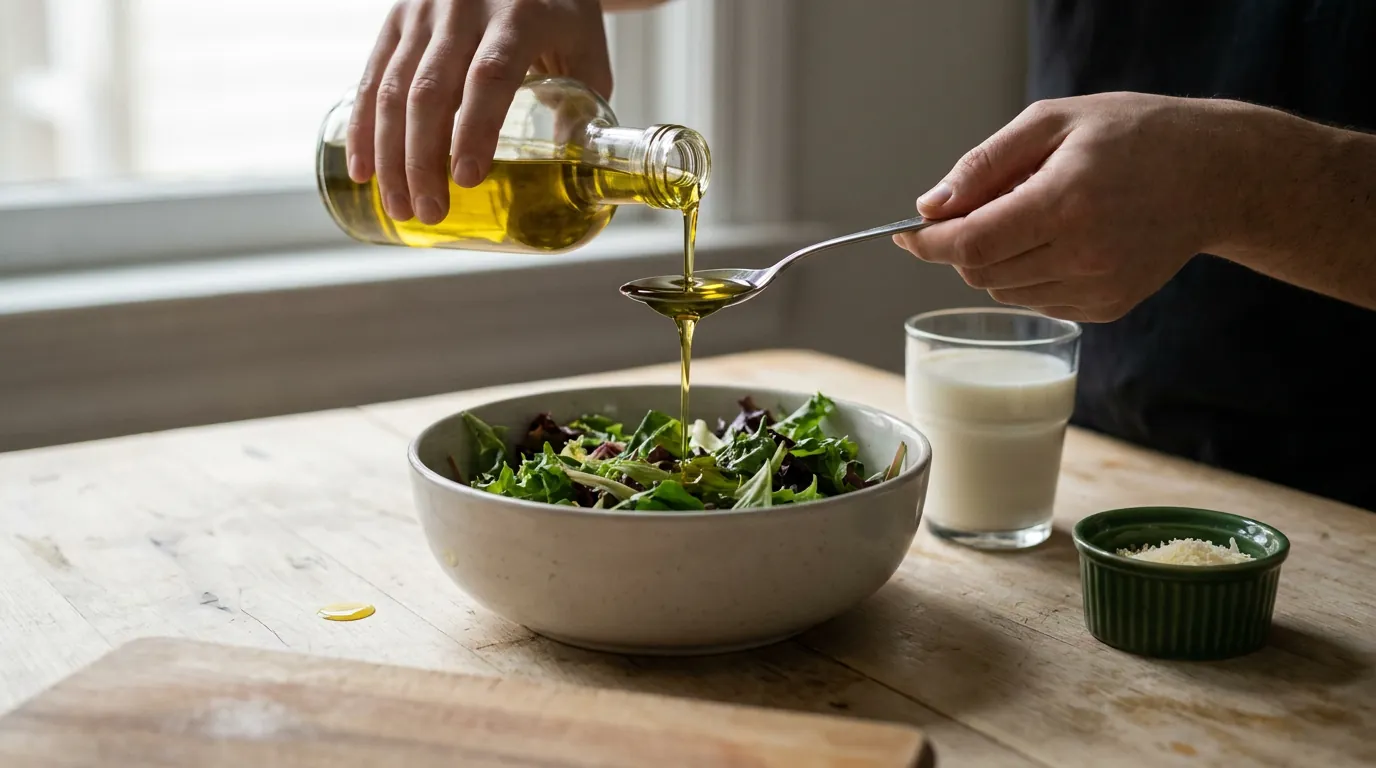
Oil is the most common culprit. According to USDA FoodData Central a tablespoon of oil weighs about 14 g and has roughly 120 calories. Two tablespoons in the pan is 240 calories that simply don't show up in a photo of the finished dish.
How to make photo calorie counting more accurate
Since accuracy improves with every bit of context, the easiest fix is to help the AI with words:
- Add the weight if you know it: "buckwheat 200 g, chicken 150 g". This is the single strongest hint.
- No weight? Give a count: "3 pancakes", "half a portion", "2 slices of pizza".
- Name what can't be seen: oil, sauce, sugar, filling.
- Shoot before you eat, from above, with the whole plate in frame. A fork or spoon next to it helps with scale.
- If a number looks off, correct it in text instead of letting it slide.
Photo, text or a food scale: which to use
Each method has a cost. A scale is the most accurate, but you won't have one at a restaurant or a friend's place. Text is fast and honest if you know what you ate. A photo is handiest when the dish is complicated and describing it would take a while.
| Method | Accuracy | Time | Best for |
|---|---|---|---|
| Scale plus food database | High | A few minutes per meal | At home, when precision matters |
| Text with a rough weight | Medium | Half a minute | When you know what and how much you ate |
| Photo, no caption | Lower, portions often underestimated | Seconds | Complicated dish, no time |
| Photo with weight and ingredients | Close to text | Seconds | Nearly always |
For counting without a scale and the rough guides that help, see how to count calories.
How it works in the CalCash bot
The CalCash bot in Telegram takes food photos, voice messages and text. With photos, it works like this:
- It reads your caption. If you give a count or weight, like "5 pieces", "half a portion" or "300 g", it logs exactly that, even if less is visible in the shot.
- A name or ingredients in the caption refine the dish: "kefir" instead of "a dairy drink", "with mayo".
- Calorie values are checked against USDA FoodData Central.
- Under each entry there are Fix and Delete buttons.
- You can also correct it in plain words, like "not 300, 200 g of buckwheat", and the bot replaces the entry instead of adding a new one.
It's free, with no subscription and no daily limit.
Do you need perfect accuracy?
For everyday food tracking, perfect accuracy is rarely necessary. What matters more is that the error stays roughly the same from day to day, because then your weight over two or three weeks still tells you whether your target works. The systematic underestimation of big portions is worth keeping in mind, though. If you eat from big plates and the photo estimate looks suspiciously low, add at least a rough weight.
And a caveat: this isn't medical advice. If you're counting for medical reasons, diabetes for example, agree on the method and the numbers with your doctor.
 Reminders
 Water and weight